.svg)
Overview
You may encounter scenarios where you need to uninstall the Mend for GitHub Enterprise app, such as moving your project to another account or from an account to an organization. This article provides the instructions to uninstall the Mend for GitHub Enterprise app.
Getting it Done
Uninstall Mend for GitHub Enterprise
To uninstall Mend for GitHub Enterprise from your GitHub organization or personal profile:
Uninstall Mend for GitHub Enterprise from your GitHub organization
-
Within GitHub Enterprise, navigate to Your organizations → select the Settings option of the organization integrated with Mend:

-
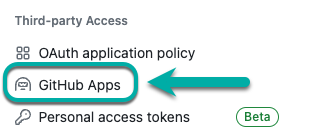
In the left-hand table of contents, find the Third-party Access section and click on GitHub Apps:
-
Find Mend for GitHub Enterprise and click on Configure:

-
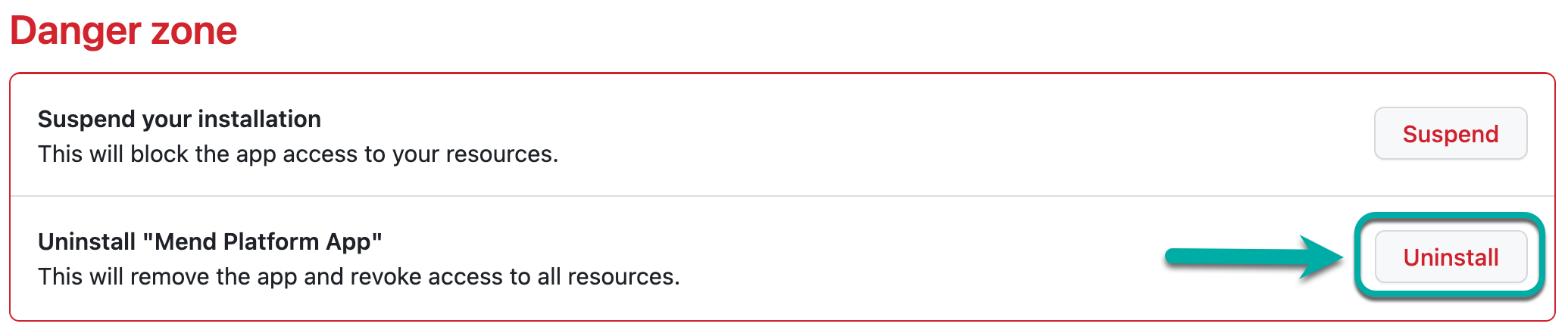
Scroll down to the Danger zone section and select Uninstall:
Uninstall Mend for GitHub Enterprise from your personal profile
-
Within GitHub Enterprise, navigate to your Settings section.
-
In the left-hand table of contents, find the Integrations section and click on Applications:

-
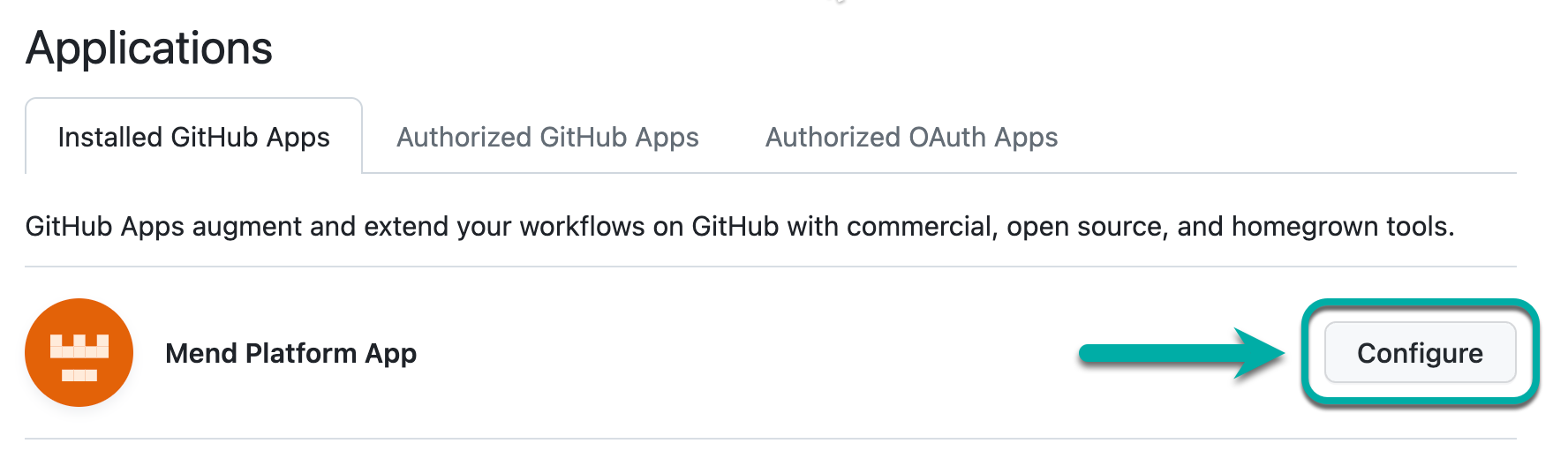
In the Installed GitHub Apps tab, find Mend for GitHub Enterprise and click on Configure:
-
On the configuration page, scroll down to the Danger zone section and select Uninstall: