
Overview
Use the Mend connector for Claude to access Mend’s security tooling through a conversational experience. Connect securely with OAuth, then use Claude to explore findings, understand risk, secure AI-generated code, and take action without manually configuring an MCP server.
The Claude connector provides the same core tools and capabilities available through the Mend MCP Server, including querying findings and supporting remediation workflows. The available tools and actions depend on your Mend permissions.
Developers
Developers can use Claude to investigate vulnerabilities in their projects, understand the impact of findings, and identify practical remediation steps using Mend data.
-
Query relevant security findings.
-
Ask for context and guidance on remediation.
-
Use Mend’s available actions to help suppress or remediate findings when appropriate.
-
Scan AI-generated code for vulnerabilities
-
Scan the dependencies the agent intends to install for vulnerabilities
Security Analysts
Security analysts can use the connector to triage findings and investigate issues across projects with Mend’s tooling.
-
Search and filter findings to focus on the highest-priority risks.
-
Review affected projects and security context.
CISO and Security Leadership
CISO team members can use Claude to get a clearer view of security posture and support risk-based decisions with information from Mend.
-
Ask questions about trends, exposure, and priority risks.
-
Summarize findings and remediation status for stakeholder updates.
-
Use consistent Mend data to support governance and security planning.
Get Started
Note:
-
The Mend MCP Server is published and listed as a Claude Plugin (via Anthropic's plugin/integration directory or equivalent)
-
Users can connect Mend to Claude without any manual MCP server configuration
Secure OAuth Connection
Connect your Mend account to Claude through the standard OAuth authorization flow:
-
Enable the Mend connector from Claude’s plugin or integration directory.

-
Choose Connect and sign in to Mend.
-
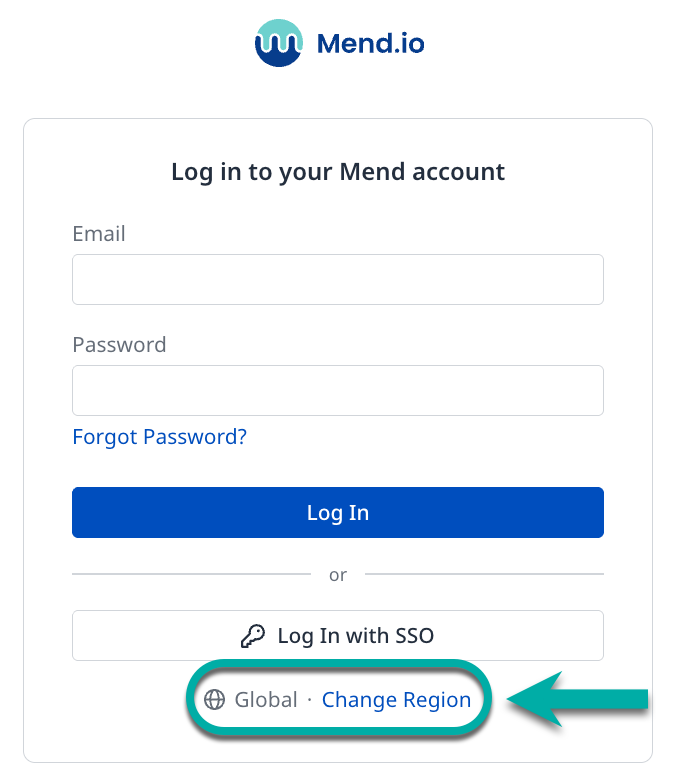
Mend Login page:
-
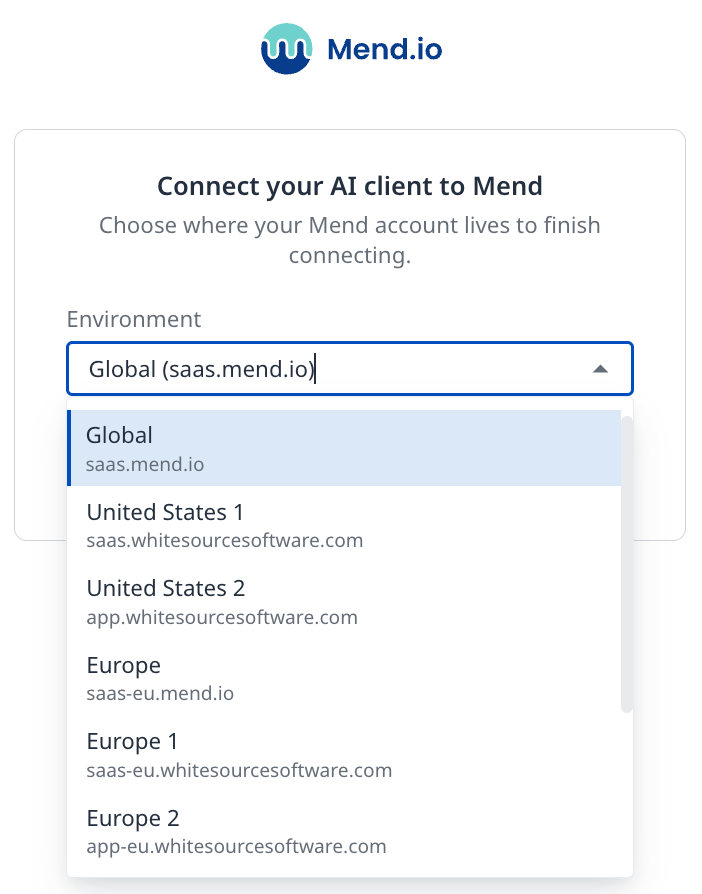
Region selection:
-
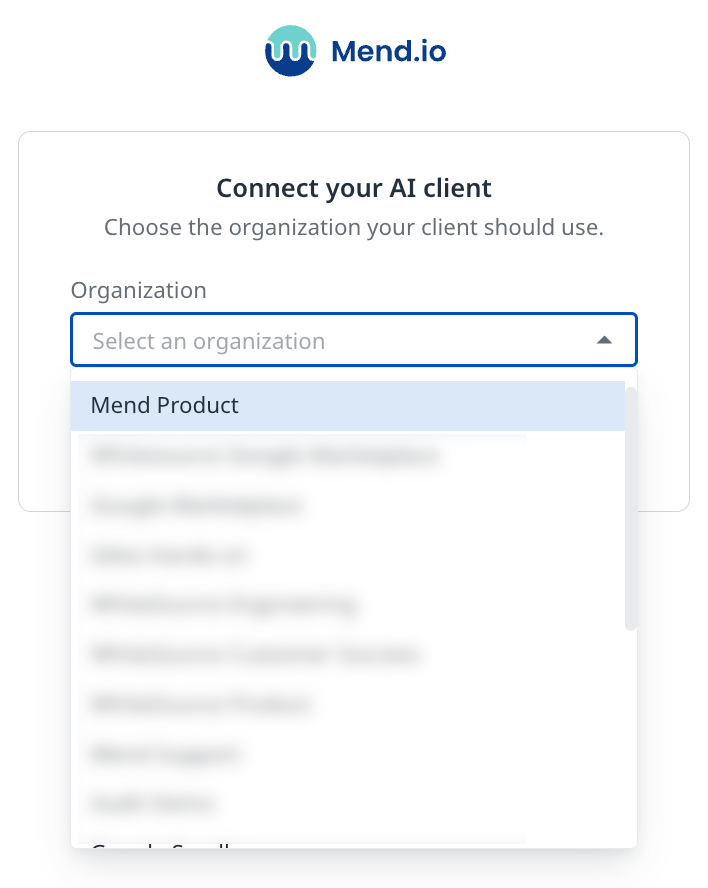
Organization selection and authentication:
-
-
Review the requested permissions and authorize the connection.
-
Return to Claude and start using Mend tools.
-
You can now ask Claude about your Mend projects, security findings, etc.
OAuth keeps authentication within the approved sign-in experience and avoids the need to copy credentials or configure an MCP server by hand. Access is governed by your Mend permissions and the scopes granted during authorization.