.svg)
Overview
Some Dependencies and AI reports can be generated at the account-level, spanning all the organizations in the account.
Getting it done
As an account administrator logged into the platform, click your profile picture/initials and then Account Management in the drop-down menu:
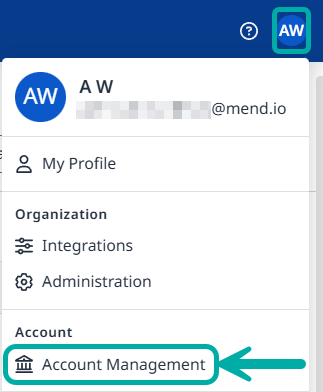
This will take you to the Account Management page. Click Reports on the bar at the top.

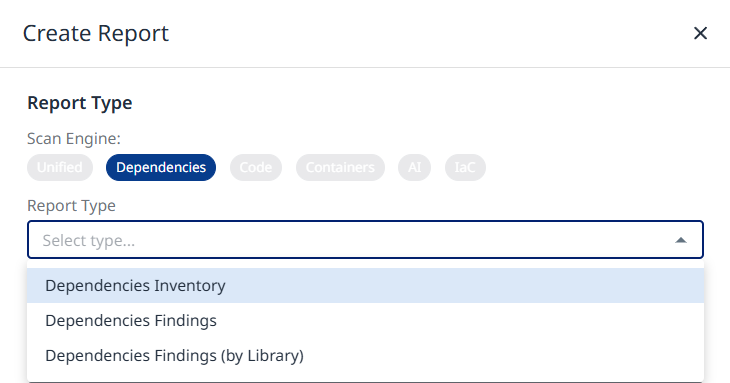
Once you click the Create button on the far-right, the Create Report wizard will spawn, allowing you to select the account-level report to create.
-
Dependencies Inventory
-
Dependencies Findings
-
Dependencies Findings (by Library)
Report Configuration
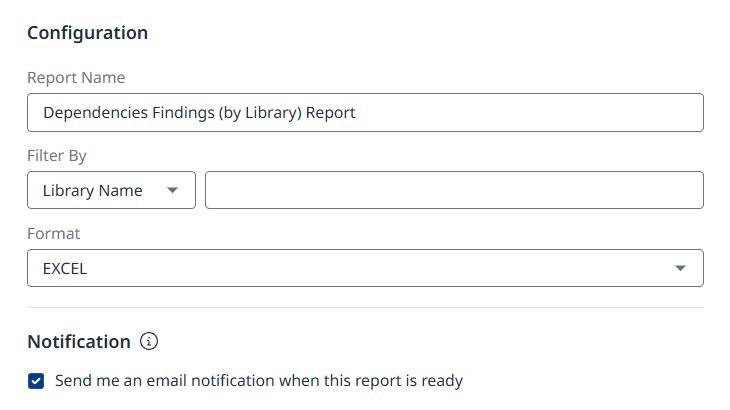
The Configuration section of the wizard will allow you to configure the following:
-
Report Name - Mandatory. Defaults to the name of the selected report type.
-
Filter By - Optional. Note that the available filter may be different between report types.
-
Format - e.g., “Excel”.
-
Notification - Check this option to get notified by email when the report is ready.
Click the Create button at the bottom when you are ready to create your report.
Legacy SCA Comparison
For customers migrating from the Legacy SCA application, the following table helps ensure you select the correct report type:
|
Legacy SCA Report Name |
Mend AI Native AppSec Platform Report Name |
|---|---|
|
Inventory |
Dependencies Inventory |
|
Security Alerts - View By Vulnerability 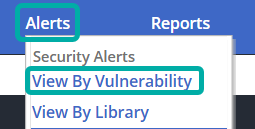
|
Dependencies Findings |
|
Security Alerts - View By Library 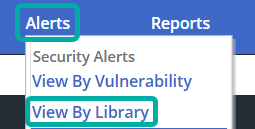
|
Dependencies Findings (by Library) |