.svg)
Deprecation Notice: Mend Advise Code for JETBRAINS is no longer maintained or updated. It is planned to be superseded by a new plugin in May 2026 and deprecated soonthereaft
Overview
Configuring Mend Advise Code is a user-friendly and straightforward process, ensuring ease of implementation across supported JetBrains IDEs such as IntelliJ IDEA, PyCharm, and WebStorm.
Getting it done
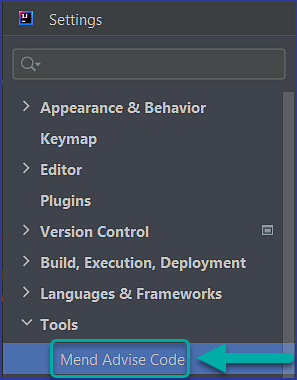
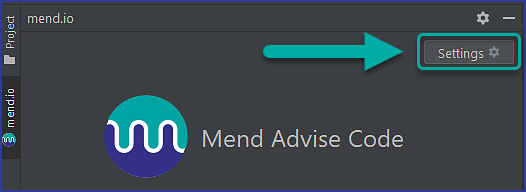
Once you have completed the prerequisite and installation steps for Mend Advise Code, the only configuration you need to confirm is the Mend CLI path within the Mend Advise Code → Settings page. You can access the Settings page via:
-
File → Settings → Tools → Mend Advise Code:
-
Mend Advise Code “mend.io” plugin panel → Settings button:
Reference
Mend Advise Code for IntelliJ Settings
|
Parameter |
Description |
|---|---|
|
Mend CLI path |
Required. Default:
|