.svg)
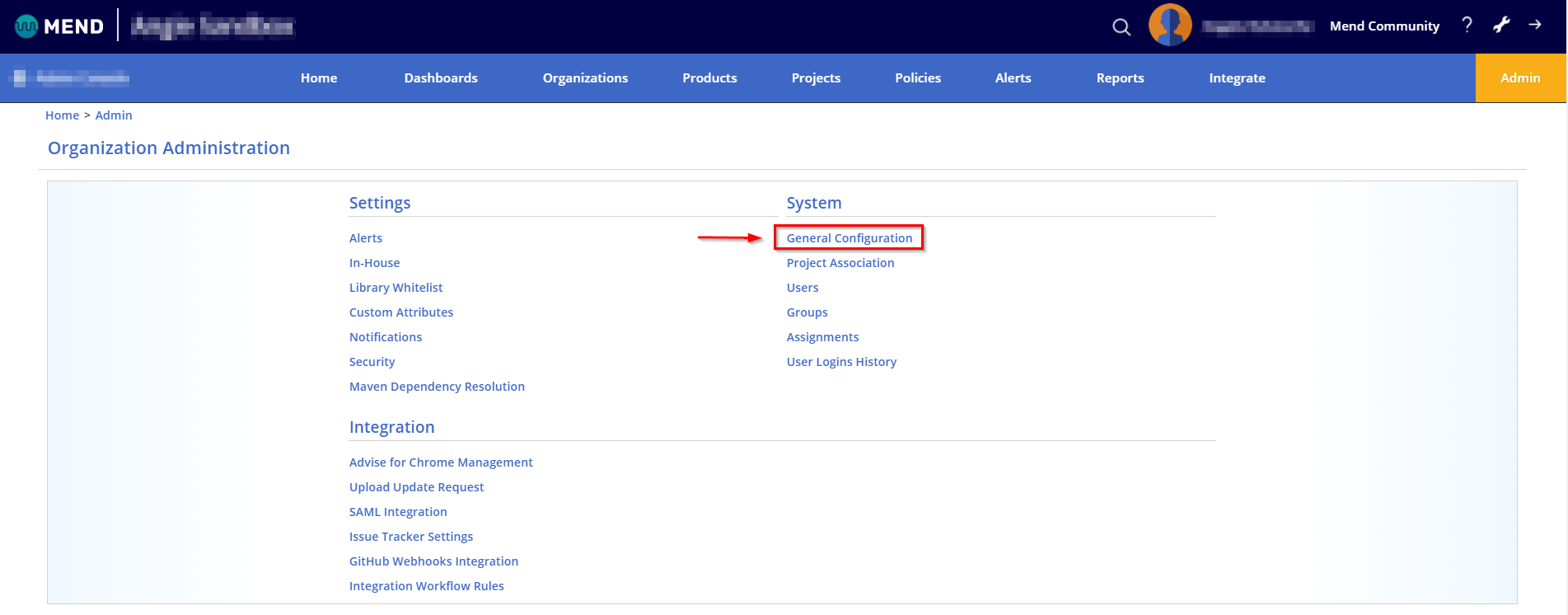
The General Configuration page can be accessed by organization admins via the Admin tab:
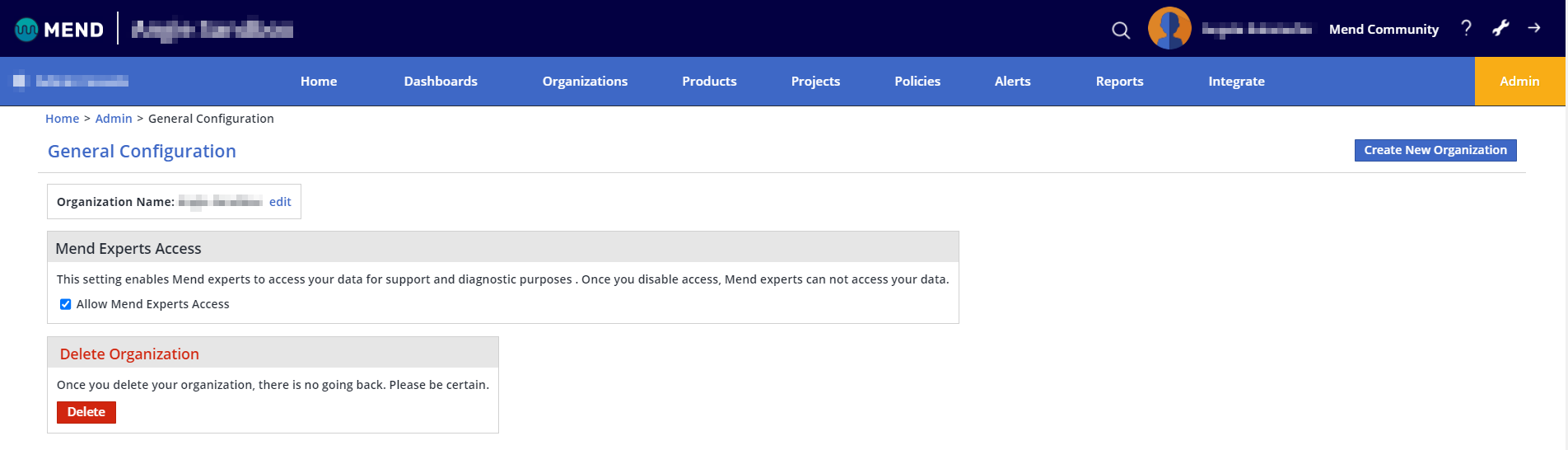
Within the General Configuration page, you have the following options:
-
Organization Name: You can edit the name of your organization
-
Mend Experts Access: This setting enables Mend experts to access your data for support and diagnostic purposes. Once you disable access, Mend experts cannot access your data
-
Delete Organization: This will delete the organization you are currently in. You can check which organization you are currently in by looking in the top-left corner of the UI; the name of the organization will be there.
Note: Please make sure you are certain before deleting an organization.
-
Create New Organization: This will bring you to a new page, where you can create a new organization